
Path A · recommended
Change the DNS, keep the domain registered with Cargo
- Nothing to unlock, nothing to transfer, no fee
- Only the two website records change — email records stay put
- Live in minutes to a few hours
Migration guide · Cargo → Manus
You built the site on Cargo and bought the domain there. Now the pages live on Manus. The URL won't follow on its own — this is the order of operations that hands your address over without losing it, and without breaking your email.
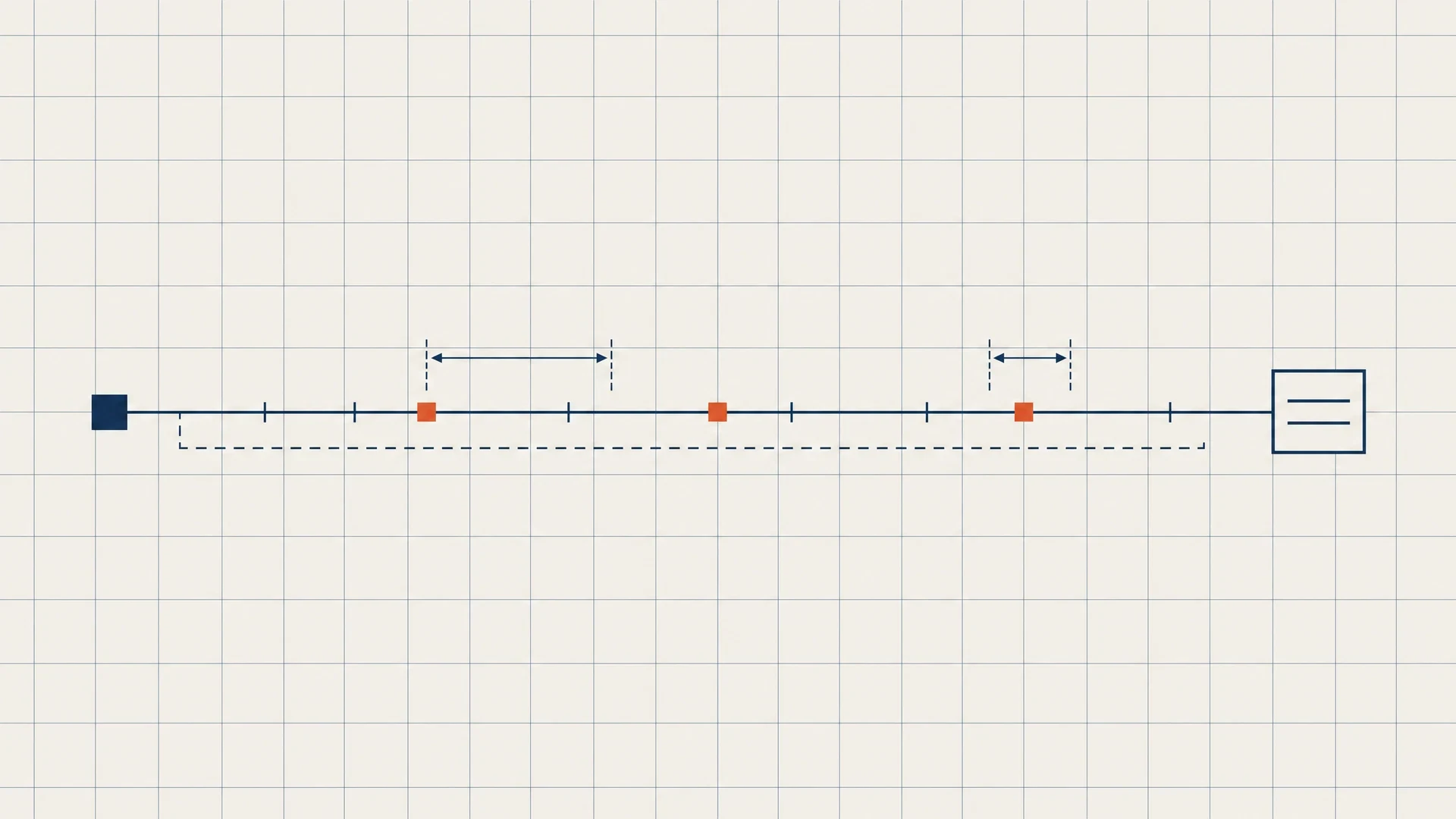
Nothing about the ownership of your name has to change. What changes is DNS — the records that tell the internet which server should answer visitors. Manus gives you the exact record values for your domain; you replace the old Cargo records with them, and the name starts serving the new site.
Two paths get you there, and you only need one. Pick by asking a single question: do you want the domain to stay registered where it is, or do you want it somewhere else long-term?
Path A · recommended
Path B · optional
The name, the mailbox and the renewal stay put. Only the two website records — the bare domain and www — are pointed at Manus.
Three facts decide what you can do, and one of them is a paid feature. Read this list before you open either dashboard.
Keep the Cargo subscription until the new site answers on your real domain and email has been tested. The old site is your fallback while the switch settles — and a lapsed Cargo subscription is a distraction you don't want mid-migration.
Gather all of this while the old site is still live. Every item is something you cannot easily recover after the records change.
Manus can't import a Cargo project file — a Cargo site lives inside Cargo's own editor. The new site is rebuilt from what you hand over. Do this first and get it live on a temporary Manus address; the domain switch happens only once the new site is proven.
Nothing about your live domain changes while you iterate. Your Cargo site keeps serving visitors at the real address until the moment you change the records — so there is no half-finished window where the domain points at nothing.
Instead of hosting it for you, Manus can hand over the site's code package so you can deploy it yourself. In that case you connect the domain to whichever provider you deploy to, and use that provider's DNS instructions in place of the Manus ones in the next section.
Manus already knows how to serve custom domains. You tell it which address you want; it tells you exactly which records to create.
A record for the bare domain and a
CNAME for www. Copy them into a scratch note —
you'll paste them at Cargo or at your new registrar.
www together. Connecting only
one of them is the most common cause of a half-working switch.
Manus shows record values generated for your domain. Always copy the values from your own dashboard — the examples in this guide are deliberately blank placeholders.
| Type | Host / name | Value | What it replaces |
|---|---|---|---|
| A | @ (yourdomain.com) | the IP address Manus gives you | the old Cargo A record on the bare domain |
| CNAME | www | the target Manus gives you | any old record pointing www at Cargo |
| CNAME / ANAME | @ (yourdomain.com) | the target Manus gives you | only if Manus asks for a root CNAME — Cargo's ANAME type does this |
If your domain also carries mail, the MX, SPF and
other TXT records have nothing to do with the website. Leave
them exactly as they are.
This is the recommended path and the fastest one. Nothing changes about who owns the domain, there is nothing to unlock or transfer, and you are editing four records at most. Cargo exposes a DNS editor for exactly this kind of change.
A record on the bare domain and any record on
www that points at Cargo. Visitors should no longer be sent
to your old host.
A for the bare domain, CNAME for
www — with the exact values from your Manus dashboard. If
Manus asks for a root-domain alias, use Cargo's ANAME
record type if the editor offers it.
MX, SPF and other TXT records keep
your mail flowing. Don't touch them, don't "tidy" them.
Cargo's DNS editor handles A, ANAME,
CNAME, MX, HTTPRED,
SPF, SRV and TXT records. That is
everything this move needs — no transfer required.
Cargo also offers HTTPRED (web forwarding). Don't use it for
your main address: it forwards visitors to another URL instead of serving
your site on the domain itself. The A and CNAME
records from Manus are what makes the domain properly host the new site.
Choose this only if you want the domain registered somewhere you control long-term, or if you're leaving Cargo entirely. It is not required to point your URL at Manus — and it adds days to the job.
A and
CNAME records from Step 2 in its DNS panel — and re-create
your email records if the new registrar doesn't import them
automatically.
Registry rules block a transfer within 60 days of registration or a recent renewal, and Cargo domain purchases are non-refundable. Check the domain's status before you count on a transfer this week.
| Decide by | Path A · edit DNS at Cargo | Path B · transfer, then edit DNS |
|---|---|---|
| Registration | stays with Cargo | moves to a registrar you choose |
| What you do | replace 2–4 records in Cargo's DNS editor | request a code, approve a transfer, then edit records |
| Time | about 30 minutes, plus propagation | about 5–7 days |
| Cost | none | possible transfer fee at the new registrar |
| Downtime risk | low — the old site serves until you save | low if DNS keeps pointing at your live site until the end |
| Best for | nearly everyone pointing an existing URL at Manus | people leaving Cargo, or consolidating domains at one registrar |
Five minutes here prevents the two expensive mistakes — killing your email, and leaving two records fighting over the same name.
| Type | Host | What it does | Action for this move |
|---|---|---|---|
| A | @ | sends the bare domain to a server | Replace the old Cargo value with Manus's A value |
| CNAME | www | aliases a subdomain to another name | Add Manus's CNAME (or replace the old www record) |
| ANAME | @ | root-domain alias — Cargo's version of a root CNAME | Add only if Manus gives you a CNAME for the root |
| MX | routes incoming email for the domain | Leave untouched | |
| TXT / SPF | @ | email sending policy and domain verification | Leave untouched |
| SRV | service host | routing for a specific service | Leave unless you know exactly what uses it |
| HTTPRED | @ / subdomain | forwards a name to another URL | Avoid — not the tool for hosting your main address |
A record sitting next to Manus's A record for the
same host — resolvers will pick between them and visitors will land on the
wrong site.
www are separate names. Both need to be configured, or half
your visitors see the old site.
The records are saved, so now you're waiting on propagation and checking both names. Do the checks in a private window, or from a different network — your own browser will happily show you a cached copy of the old site.
https://yourdomain.com and
https://www.yourdomain.com should both show the new site.
A and CNAME
answers should be the values Manus gave you, not the old Cargo ones.
Both spellings load the new site over HTTPS with a padlock; there are no "not secure" warnings; a test email to an address on the domain still arrives; and the old Cargo site is no longer what the world sees.
Almost every failed swap is one of these seven. Each fix is reversible, so work down the list instead of starting over.
Symptom: the address resolves, but to the old host.
The old record is probably still there. Compare the table at Cargo with
the values Manus gave you: the host and the value must match exactly,
and there must be only one A record on the bare domain.
Remove leftovers for the same host, then check again from a different
network.
Symptom: the site loads, but HTTPS fails.
This is the documented case where a domain was connected without a
proper www record. Disconnect the domain inside Manus and
connect it again, ticking Set up both so both the bare
domain and www get certificates. If the
www record was missing, add it first.
Symptom: one spelling loads, the other doesn't.
One of the two names is missing its record. Add the missing
A or CNAME at Cargo, then wait for
propagation. Both spellings need their own entry — neither one covers
the other.
Symptom: the dashboard never turns green.
Pending means the platform can't see the records yet. Check the target value character by character (a missing dot or a pasted space is the usual culprit), make sure you saved at Cargo, and give propagation time. Verify with a public DNS lookup rather than the dashboard alone.
Symptom: messages bounce or vanish after the switch.
The email records were removed or overwritten. Restore the
MX, SPF and TXT rows from your
pre-flight screenshot. Website records and mail records are independent
— changing one should never have touched the other.
Symptom: Manus refuses the domain.
The name is still attached somewhere else — an older connection in Manus, or an existing record set from the Cargo site. Disconnect the old connection or finish removing the old records, then connect it again.
Symptom: the option seems to be missing.
It lives in Account Settings → Domain Names, behind the ⋯ menu next to the domain — not inside the site builder. If it isn't there at all, the domain may be in a different account than the one you're signed into. Cargo support can confirm which account owns it.
Run this list the day after the switch. Only the last two items touch Cargo — everything above them is verification you can do at your own pace.
Manus can also sell you a new domain and handle the setup for you. That's the simplest route — but it abandons the address you already own, which is exactly what the two paths above exist to avoid.